Use ReelParrot to create videos and Facebook posts with your own photos and clips, or generate images with AI. Write your own content or use AI to help with scripts and captions.
Add narration, music, and text to your videos, then preview your work and schedule your posts for later.
Use your own mediaEdit before postingSchedule ahead
ReelParrotEXAMPLE WORKSPACE
3 tips for your next camping tripVideo project
1 Story2 Scenes3 Voice4 Finish
Scene 1 8 seconds
On screen text
Pack less. Enjoy the trip more.
Create image with AI
Your photos & clips
Narration
Background music
Text & logo
VIDEO PREVIEWPack less. Enjoy the trip more.00:08 / 00:30
Scene 18s
Scene 210s
Scene 312s
Add scene
Create a Facebook postPhoto + text
Your post text
First camping trip? Keep it simple: a good tent, a warm sleeping bag, and food that’s easy to cook. What’s one thing you always bring?
camping-photo.jpgPhoto attached
Post to
fYour Facebook Page
Review before posting
Edit the text and photo, then choose when to share it.
Review post
My photo, my wordsMy photo, AI writes
Your publishing calendarExample week
Mon12Tue13Wed14Thu15Fri16Sat17Sun18
Camping checklistFacebook Page · Monday, 10 AM
Published
3 tips for your next tripTikTok · Wednesday, 2 PM
Scheduled
What’s in your backpack?Facebook Page · Friday, 11 AM
Scheduled
Approved posts only. Scheduler checks hourly.
Example content • Preview of app tools
Switch tabs to see examples of the tools inside ReelParrot.
f Facebook Pages ♪ TikTok
Use ReelParrot to create content and schedule posts for TikTok and Facebook.
INSIDE REELPARROT
Create Videos, Write Posts, And Schedule Your Content.
Use the video studio for short videos, Post Parrot for Facebook content, and the publishing calendar to keep track of what’s going out.
VIDEO STUDIO
Create Videos With AI Images Or Your Own Photos.
Start with your own script or use AI to write one. Upload photos and clips, or describe an image and let AI create it for your video. Choose an image style, arrange your scenes, and add narration, music, and text.
Upload your own images and video clips.
Generate images with AI for your video scenes.
Choose an image style and get help writing your script.
Add narration, music, on screen text, and a logo.
Preview and export your finished video.
ReelParrotEXAMPLE WORKSPACE
Video studio
3 tips for your next camping tripVideo project
1 Story2 Scenes3 Voice4 Finish
Scene 1 8 seconds
On screen text
Pack less. Enjoy the trip more.
Create image with AI
Your photos & clips
Narration
Background music
Text & logo
VIDEO PREVIEWPack less. Enjoy the trip more.00:08 / 00:30
Scene 18s
Scene 210s
Scene 312s
Add scene
Example content • Preview of app tools
POST PARROT
Write Facebook Posts With Your Own Words Or AI.
Upload a photo or create an image with AI for your Facebook post. Write the text yourself, ask AI for a draft, or get ideas from a topic or link. Edit the words and images before choosing when to post.
Create text posts, photo posts, and video Reels.
Create an image with AI instead of uploading a photo.
Get post ideas and help with captions.
Keep drafts to come back to later.
Review the final post before you approve it.
ReelParrotEXAMPLE WORKSPACE
Post Parrot
Create a Facebook postPhoto + text
Your post text
First camping trip? Keep it simple: a good tent, a warm sleeping bag, and food that’s easy to cook. What’s one thing you always bring?
camping-photo.jpgPhoto attached
Post to
fYour Facebook Page
Review before posting
Edit the text and photo, then choose when to share it.
Review post
My photo, my wordsMy photo, AI writes
Example content • Preview of app tools
PUBLISHING CALENDAR
Schedule Your Posts For Later.
Choose your connected Facebook Page or TikTok account, set a date and time, and approve the content. See your scheduled posts and publishing results in the same calendar.
Plan Facebook posts and TikTok videos ahead.
See which posts are queued or published.
Cancel a queued post before publishing starts.
The scheduler checks hourly. Posts may be sent up to an hour after your chosen time, plus any processing time at Facebook or TikTok.
ReelParrotEXAMPLE WORKSPACE
Publishing calendar
Your publishing calendarExample week
Mon12Tue13Wed14Thu15Fri16Sat17Sun18
Camping checklistFacebook Page · Monday, 10 AM
Published
3 tips for your next tripTikTok · Wednesday, 2 PM
Scheduled
What’s in your backpack?Facebook Page · Friday, 11 AM
Scheduled
Approved posts only. Scheduler checks hourly.
Example content • Preview of app tools
GETTING STARTED
How To Create And Schedule A Post.
You choose what gets posted and where it goes.
01
Your Photo
AI Image
Create an image of a campsite by a lake
YOUR IDEA + YOUR MEDIA
Create Your Content
Upload a photo or clip, write your post, or use AI to create images and scripts.
02
3 Tips For Your Next Camping Trip
VoiceMusicText
Preview Before Posting
EDIT THE WORDS, PICTURE & SOUND
Edit And Preview
Arrange your scenes, add narration and music, and check how your finished content looks.
03
Choose A Date
M12T13W14T15F16S17S18
fFacebook♪TikTok
Wednesday, 2:00 PM
Approved And Scheduled
CHOOSE WHEN IT GOES OUT
Approve And Schedule
Pick your account and posting time, approve the content, and follow its status in the calendar.
You approve each post. The scheduler checks hourly.Illustrated with example content.
GOT QUESTIONS?
Questions About ReelParrot.
Here’s what you can make, what you need to get started, and how posting works.
What is ReelParrot?
ReelParrot helps you make content for TikTok and Facebook and keep track of when it goes out. You can build a video from images and clips, add a voiceover, music, and on screen text, or put together a Facebook post with your own photos and words. If you need help getting started, the optional AI tools can help with ideas, scripts, images, and captions. Edit the result, preview it, then publish it or approve it for a future date. Your projects, media, and posting calendar are all in the same app.
What kind of videos can I make?
You can make short videos for things like tips, how-to posts, product introductions, stories, or a quick update for your followers. Start with your own script, photos, and video clips, or use the AI tools to help write a script and create images. Put your scenes in order, adjust the timing, add narration, background music, text, and your logo, then preview and export the video. You can also prepare it for TikTok or a Facebook Reel.
How does it help me write Facebook posts?
Open Post Parrot and choose how you want to start. Upload a photo and write your own post, ask AI to draft words for your photo, get ideas from a topic or link, or write the whole thing yourself. You can prepare text posts, photo posts, and video Reels. Read it over, make any changes, then choose the Facebook Page where you want it posted.
Can I create images with AI?
Yes. Describe the image you want and ReelParrot can generate it for a video scene or a Facebook photo post. In the video studio, you can choose an image style and create images for individual scenes. In Post Parrot, you can generate a new image instead of uploading your own photo. You can preview the result and create another image if you want something different. Image generation uses your OpenAI API key, and OpenAI bills you for that usage.
Can I schedule posts for later?
Yes. Once your content is ready, choose your connected Facebook Page or TikTok account, pick a date and time, and approve the post. It will appear in your publishing calendar, where you can follow its status or cancel it before publishing begins. The scheduler checks hourly, so a post may be sent up to an hour after the time you chose. Facebook or TikTok may need extra time to process it.
Do I have to use AI? Does it cost extra?
You can write your own posts, upload your own media, and edit videos without using AI. If you want AI writing or image creation, you’ll need your own OpenAI API key. Generated narration and music use your own ElevenLabs key. You add those keys in Settings, and those companies charge you separately for what you use. A ChatGPT subscription does not include OpenAI API usage.
How do existing customers log in?
Use the Log In link at the top of the page. Enter your ReelParrot username and password, or request a login code by email. You can reset a forgotten password from the same page. Add your AI keys in Settings if you want to use those tools. To connect Facebook or TikTok, open Connected accounts and follow the steps to authorize your account. The options you see depend on the permissions and access available to that account.
Can it post to Facebook groups?
Group posting is manual. You can prepare the text and media and put a task on your calendar, then go to Facebook to finish the post yourself. ReelParrot does not automatically publish to groups or send reminders for those tasks.
Who runs ReelParrot?
ReelParrot is made by Internet Marketing Solutions Inc. You can read more about the business, how the app uses your information, and how to remove saved Facebook data using the links at the bottom of this page.
READY TO MAKE SOMETHING?
Have A Question About ReelParrot?
Get in touch if you’d like to know more about the app or its features.
 ReelParrotEXAMPLE WORKSPACE
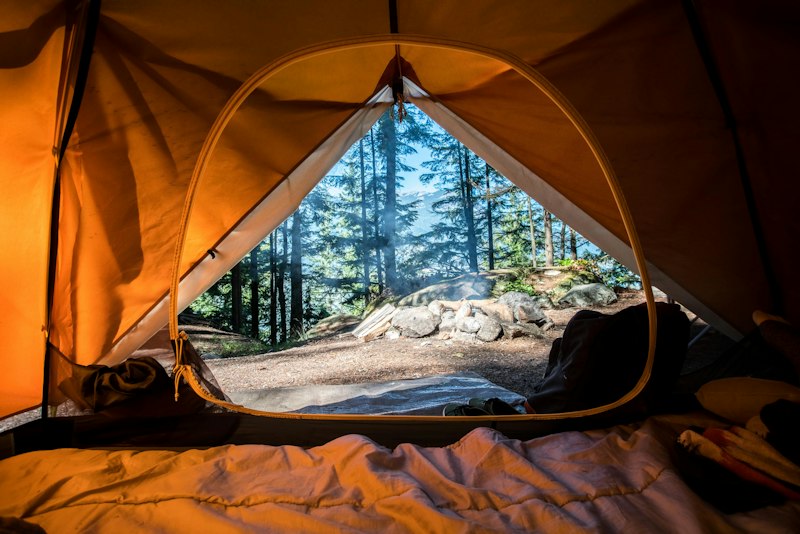 VIDEO PREVIEWPack less.
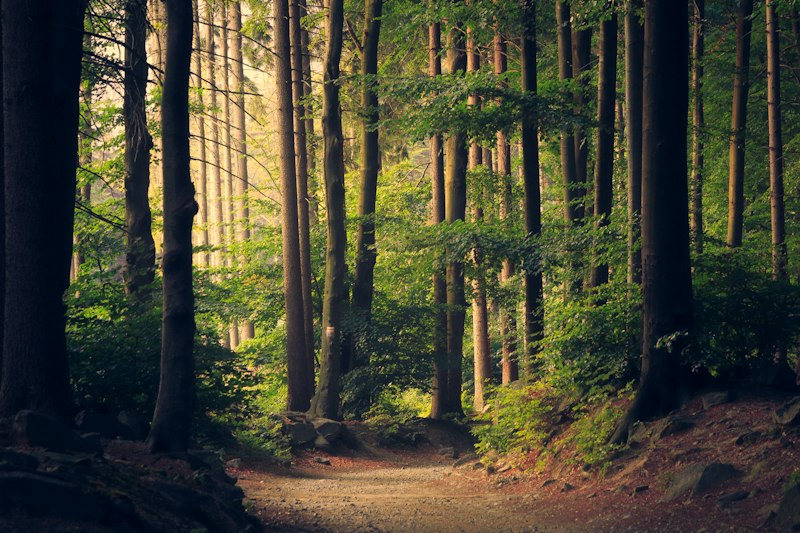 Scene 210s
 Scene 312s